
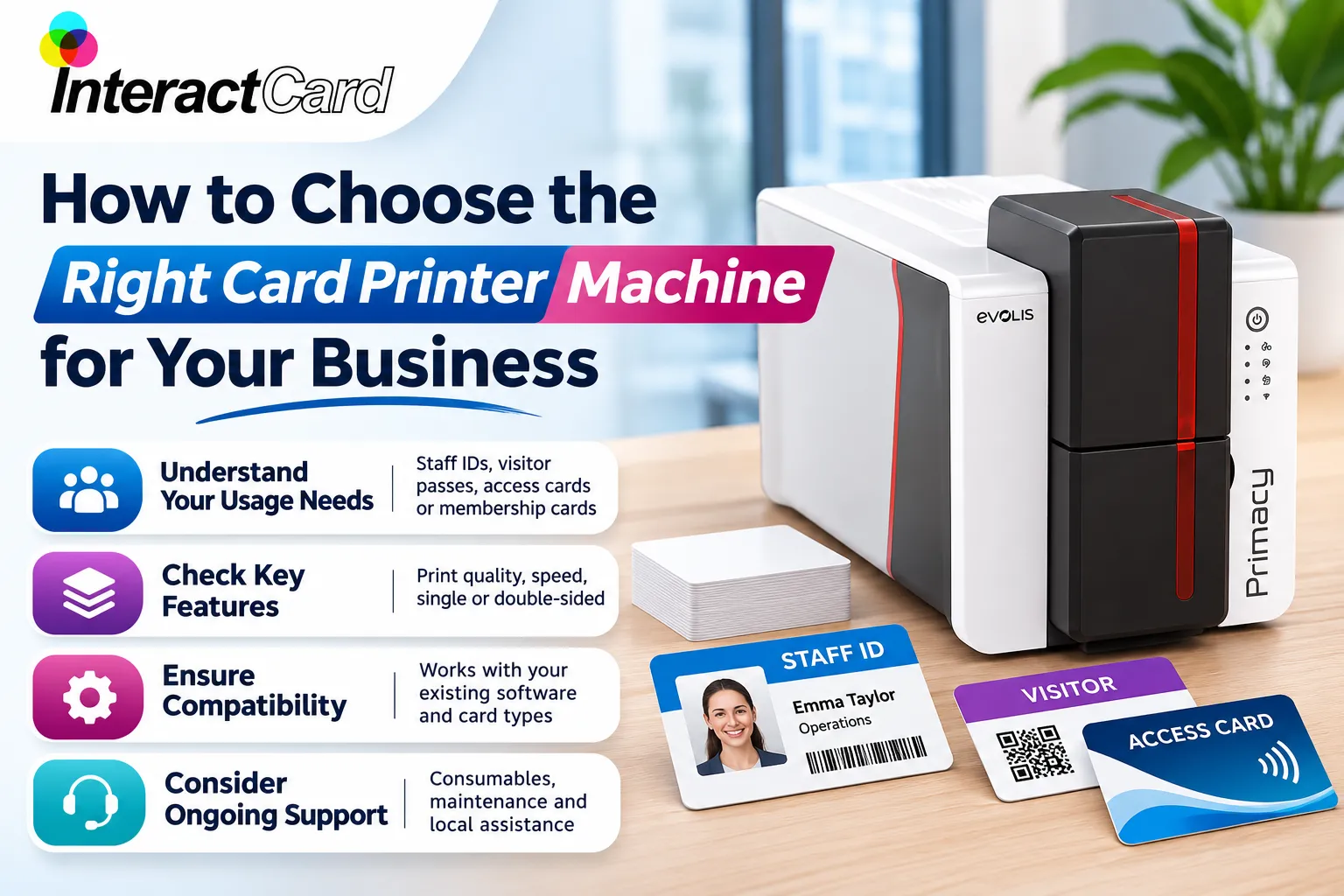
Quick Answer: Match your card printer machine to your busiest printing period, card design and consumables budget. Direct-to-card printers suit everyday staff IDs, retransfer printers give sharper edge-to-edge cards, and high-volume printers handle large batches. Compare cost per card, not just purchase price.
A small office printing ten cards a week needs something very different from a university issuing hundreds of student IDs before semester. That’s why choosing a card printer machine should start with what your organisation actually needs, not the most expensive model.
This guide covers printer types, key features, running costs and maintenance to help you compare card printers in Australia and buy once.
What Is a Card Printer Machine?
A card printer machine is a desktop printer that prints text, photos, logos and barcodes onto plastic cards, usually standard CR80 PVC cards (85.6 × 54 mm, the size of a credit card). Most use dye-sublimation, where heat transfers colour from a ribbon onto the card, and many can also encode magnetic stripes or smart chips.
Organisations use them for staff ID and access badges, student cards, membership and loyalty cards, visitor passes and training certificates. Printing on-site means you can replace a lost card or onboard a new starter the same day.
What Types of Card Printers Are Available in Australia?
There are three main types: direct-to-card printers for everyday ID cards, retransfer printers for premium edge-to-edge cards and high-volume printers for large production runs.
1. Direct-to-Card Printers
These print straight onto the card from a ribbon. They’re affordable and ideal for staff badges, membership cards and student IDs, though they can leave a thin white border at the card edge. Evolis examples include the Zenius 2 and the Primacy 2, which can be upgraded to dual-sided printing later.
2. Retransfer Card Printers
These print onto clear film first, then fuse it to the card. The result is sharper, edge-to-edge printing that also covers uneven surfaces such as smart cards with embedded chips. They cost more to buy and run. The Evolis Agilia prints at 600 dpi.
3. High-Volume Card Printers
Built for batches of hundreds or thousands, these offer larger card hoppers and faster speeds. They suit universities, councils and card bureaus. The Evolis Quantum 2 is one example.
Direct-to-Card vs Retransfer
|
Feature |
Direct-to-card |
Retransfer |
|
Edge-to-edge printing |
May leave a thin border |
Yes |
|
Image detail |
Sharp for photos and logos |
Up to 600 dpi on some models |
|
Smart cards with chips |
Can print unevenly |
Prints evenly |
|
Purchase and running cost |
Lower |
Higher |
|
Best for |
Staff IDs, memberships, visitor passes |
Premium and high-security cards |
How Many Cards Does Your Business Need to Print?
Size your printer for your busiest period, not your average week. A few cards a week suits an entry-level direct-to-card printer, dozens to hundreds a month suits a mid-range dual-sided model, and batches of thousands need a high-volume printer.
Businesses comparing card printers australia should also allow for replacement cards, seasonal peaks and growth. A school may print only a few cards during term but hundreds before the year begins, and a gym often sees a rush of new memberships every January.
Which Features Should You Look for in a Plastic Card Printer?
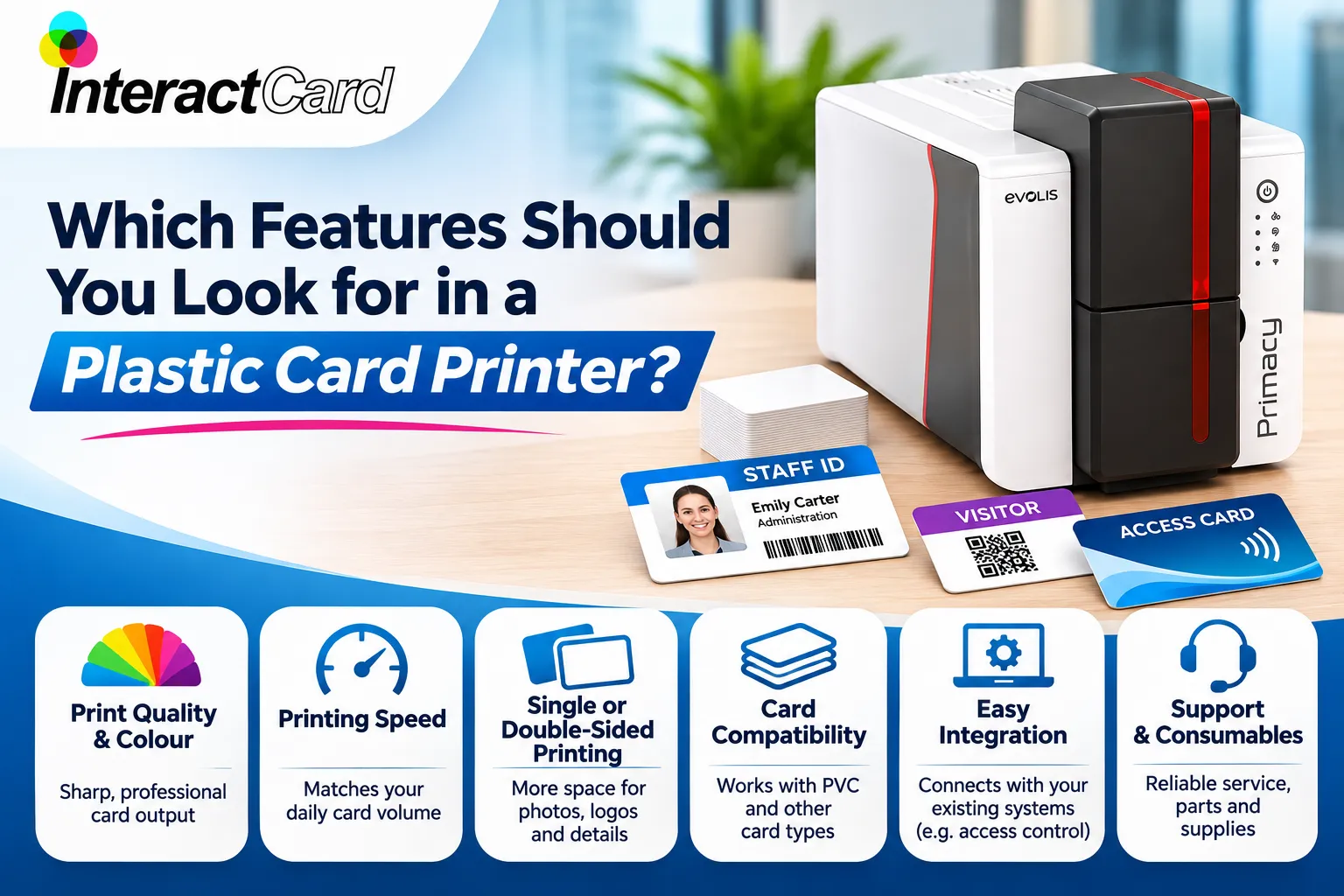
Focus on dual-sided printing, resolution, connectivity, card compatibility and encoding, and pay only for what your cards need.
-
Single or dual-sided: Choose dual-sided if you need a barcode or emergency contacts on the back. Otherwise, a single-sided model is enough.
-
Resolution: 300 dpi suits most ID cards. Consider 600 dpi for fine text or security designs.
-
Connectivity and software: Look for USB and Ethernet, and software that can batch-print names and photos from a spreadsheet.
-
Encoding: Cards that open doors or record attendance need magnetic stripe, contact chip or contactless (such as MIFARE) encoding that works with your access system.
Before buying a plastic card printer, confirm it accepts the card thickness, material and consumables you plan to use. Standard cards are 0.76 mm thick, and full-colour printing uses a YMCKO ribbon: three colour panels, black for sharp text and a clear protective overlay.
Tip: If you might add a barcode on the back or move to contactless cards later, choose a printer that can be upgraded rather than replaced.
How Much Does a Card Printer Cost to Operate?
Most running costs come from ribbons and blank cards. Divide the ribbon price by its rated prints, add the cost of one blank card, then allow for misprints.
Worked example (illustrative figures): a $120 colour ribbon rated for 250 prints costs $0.48 per side. Add a $0.35 PVC card and 8% for misprints, and you’re at about $0.90 per single-sided card. Dual-sided printing roughly doubles the ribbon cost, and smart cards cost far more than plain PVC.
Also budget for cleaning kits, replacement printheads, software licences and accessories like lanyards and card holders.
Why Does Printer Maintenance Matter?
Regular cleaning keeps print quality consistent, prevents jams and protects the printhead, usually the most expensive part to replace. Dust and debris on cards or rollers cause streaks, white spots and feeding problems. Follow your manual’s cleaning schedule, use the manufacturer’s cleaning kit, and store blank cards in their packaging, handling them by the edges.
Why Choose InteractCard Australia?
-
Authorised Evolis distributor of genuine printers, ribbons and parts
-
A printer for every volume, from the compact Badgy and upgradable Primacy 2 to the Agilia and Quantum 2
-
Everything in one place: ribbons, blank cards, cleaning kits, lanyards and design software
-
Same-day dispatch on orders placed before 2pm on business days
-
Local support from the Melbourne-based team
Frequently Asked Questions
Can businesses print ID cards in-house?
Yes. With a card printer, design software, a compatible ribbon and blank CR80 cards, any business can print ID cards on-site and issue replacements the same day.
Is a dual-sided printer necessary for every business?
No. A single-sided printer is enough when the name, photo and logo fit on the front. Choose dual-sided, or an upgradable model, if you need details on the back.
What is the difference between direct-to-card and retransfer printing?
Direct-to-card prints straight onto the card and costs less. Retransfer prints onto film that is fused to the card, giving sharper edge-to-edge images and better results on smart cards.
How much does a card printer machine cost in Australia?
Entry-level direct-to-card printers cost the least, while dual-sided, encoding, retransfer and high-volume models cost more. Compare total cost, including ribbons and cards, and get quotes for your shortlist.
How many cards can one printer ribbon print?
Full-colour YMCKO ribbons are commonly rated for a few hundred prints, while monochrome ribbons can print 1,000 or more. Dual-sided cards and misprints reduce the total.
Which card printer is best for a small business?
For most small businesses, an entry-level or mid-range direct-to-card printer is the best fit. It handles staff IDs, visitor passes and membership cards at a low cost per card. Choose a model that can be upgraded to dual-sided printing or encoding if your needs may grow.
How long does a plastic card printer last?
A well-maintained plastic card printer typically lasts many years. Lifespan depends on the model, print volume and how regularly it’s cleaned.
Conclusion
The right card printer machine fits your print volume, card design and consumables budget. Work out your busiest period, decide on dual-sided printing or encoding, and compare cost per card. For businesses comparing card printers in Australia, a specialist supplier can quickly narrow your shortlist.
About InteractCard
InteractCard has specialised in ID card printing for more than 20 years. Based in Wantirna South, Melbourne, it’s an authorised Evolis distributor supplying card printers, consumables and design software to businesses, schools, clubs, RTOs and government organisations across Australia.